We embed AI into processesthat already run
Data, models, integration with your systems and support after go-live.
AI here is not a separate product but a processing layer on top of data the company already accumulates: orders, enquiries, documents, goods movements, equipment events. Below are the directions of adoption, and each is described by one loop: which data is taken, what the model does with it, which decision or action follows, and what changes in the company's work.
Adopting AI — means embedding a model into a process that already runs, not launching a separate system beside it. The model reads the company's data, finds a pattern in it and produces a decision; the action on that decision is carried out by the system the process lives in — CRM, ERP, the warehouse program, the checkout, the portal, the messenger.
That is why a project starts not with choosing a model but with four answers: what data exists and what condition it is in; which decision needs to be made; who executes that decision and with what; and which figure will show that things got better. Without any one of the four, a model adds one more data source nobody is responsible for.
Where AI is not needed. If a rule can be written in a single line — stock below five units, notify purchasing — it is written as a rule: cheaper, predictable and verifiable line by line. AI belongs where there are dozens of signals, they change over time, and a person has so far been deciding by eye: classifying an enquiry, estimating demand, spotting an atypical operation, extracting fields from a free-form document.
| Task | What solves it |
|---|---|
| Notify purchasing about low stock | rule |
| Assign an incoming email to a topic and a department | model |
| Apply a discount under the terms of a contract | rule |
| Estimate demand for an item a month ahead | model |
| Check whether the mandatory fields are filled in | rule |
| Find an atypical operation among ordinary ones | model |
The line runs along one criterion: can the condition be written out in full. Where it can, a rule works faster, costs less and explains its own decision. A model is needed where the condition is described by examples rather than by a line of text. In a working system the two do not compete but stand side by side: the model brings an unstructured input into a structure, and rules decide from there.
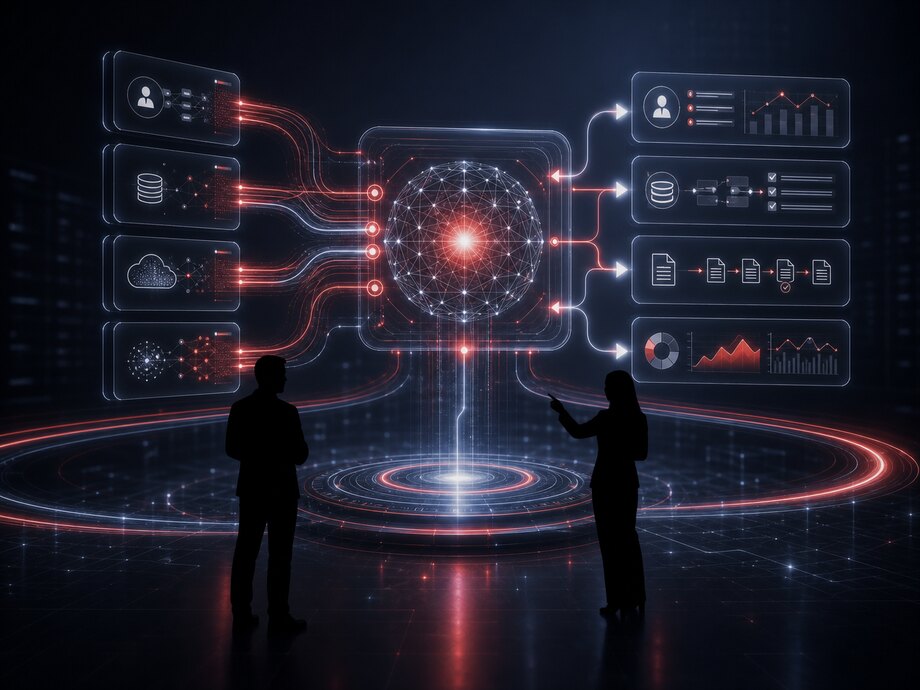
A pilot is built on historical data and compared against the baseline on that same data. If the model does not beat the current way of working over a past period, it does not go into production.
Every direction below is described by this loop. It is also a way of testing any AI adoption proposal: if it does not name all four links, it is a demonstration of capabilities rather than a working process.
What goes in: orders and payments, enquiries and correspondence, documents and scans, goods movements, equipment events, records from the accounting system. The source, the depth of history and the update frequency are all stated.
What the model does: assigns an object to a class, extracts fields, estimates a value, finds a deviation from the norm, ranks options, formulates an answer from the documents it found. Always with a confidence figure.
What happens to the result: the request goes into a performer's queue, a status changes in CRM, a task lands at the warehouse, a document is posted, an answer is sent to the customer, the case is passed to a person.
What is measured: operation time, the share of decisions made without a person, the number of errors and reworks, losses from delays and write-offs, the load on the shift. The comparison is against the baseline before adoption.
The classification confidence was 0.94 against a threshold of 0.80. Below the threshold the enquiry would have gone into the general queue with a suggested topic rather than straight to the quality department: a borderline case is handled by a person, not by the model.
Data in a company sit in different places and in different states: some in the accounting system's database, some in email and messengers, some in files, some arriving from equipment. While collection is done by hand, any analysis describes not the business but whatever somebody managed to export.
AI processing: entities are extracted from the stream — counterparty, product, document, event; records about the same object are linked together even when the names and spellings do not match. Matching names, addresses and registration details is a job for a model rather than for string comparison.
What gets connected:
Action: what has been collected goes into a raw data buffer where nothing is overwritten, and only then spreads out to data marts, models and reports. The original record can always be pulled up and checked.
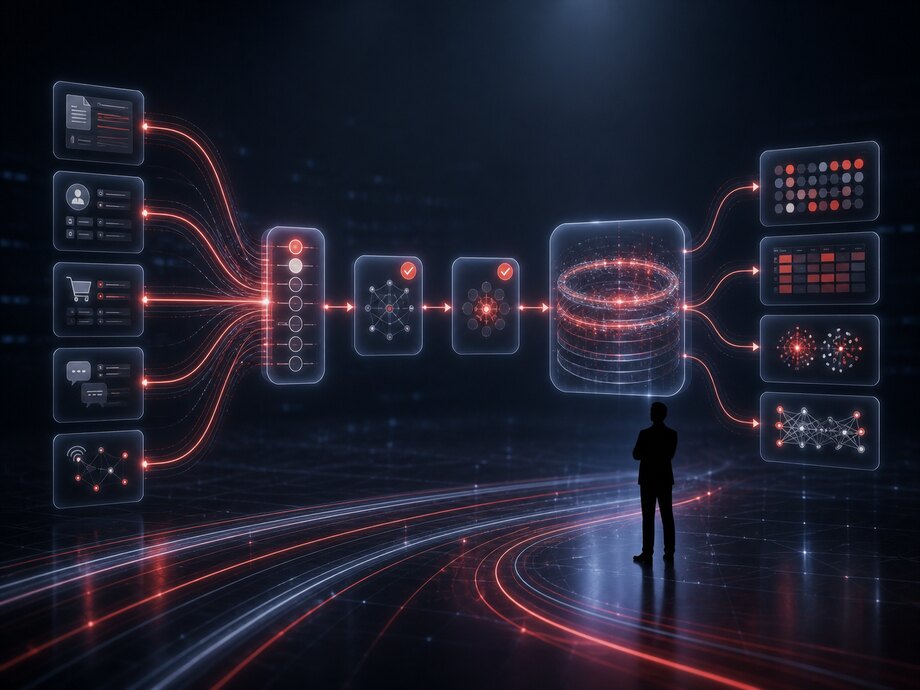
Data for analytics and models appears without manual exports and without a version of the spreadsheet in every department. Manual collection turns from daily work into an exception, and discrepancies between reports are resolved from the load log rather than from what employees remember.
Collected data is not ready for use: the same item is called three different things, units of measure are mixed up, half the records lack a mandatory attribute, and some rows are duplicates of one operation. A model trained on such a set will reproduce the mess rather than find a pattern.
AI processing covers three jobs here: bringing records to a single form, filling in attributes where there are none, and sorting objects into categories that did not exist in the source data.
Action: confident corrections are applied automatically and written to the log with the original value; borderline ones go to the owner of the reference data for confirmation as a single list rather than as individual emails.
Data quality is not a one-off tidy-up before a project but a continuous process: reference data grows every day, suppliers change their price list formats, and managers create cards from scratch instead of searching for the existing one. That is why the cleansing rules and models live in the system alongside the data and are applied on every load.
Every correction has an author — a rule or a model — a time, and an old and a new value. This is not bureaucracy: without the history it is impossible to work out why last month's report shows different numbers today.
Reference data stops branching, reports by product group and expense item agree with each other, and preparing data stops eating up most of the timeline of every analytics project.
| Verification | Rows | Result |
|---|---|---|
| Matched to the catalog | 4 812 | applied |
| Units of measure normalized | 1 106 | applied |
| Category filled in from the description | 438 | applied |
| Similar cards, need a decision | 96 | pending review |
| Inconsistencies in the document | 14 | return to supplier |
A screen from the system: the figures are illustrative. Only cases below the confidence threshold are sent for review — 96 rows out of 6,466; the rest was applied automatically with the previous value written to the log.
An ordinary report answers the question it was asked: revenue by month, sales by branch, stock by warehouse. The questions are asked by a person, so you see exactly what somebody thought to look at.
AI processing reverses the direction here: the model reviews the breakdowns itself and brings back the ones where an indicator behaves differently from what was expected. Not draw me a chart but here are three places where something unusual is happening, and here is what it correlates with.
What intelligent analytics does:
Action: a finding does not stay in a dashboard — it turns into a task with an addressee and a deadline: investigate the location with the drop, contact the customer in the risk group, check the category with rising returns.
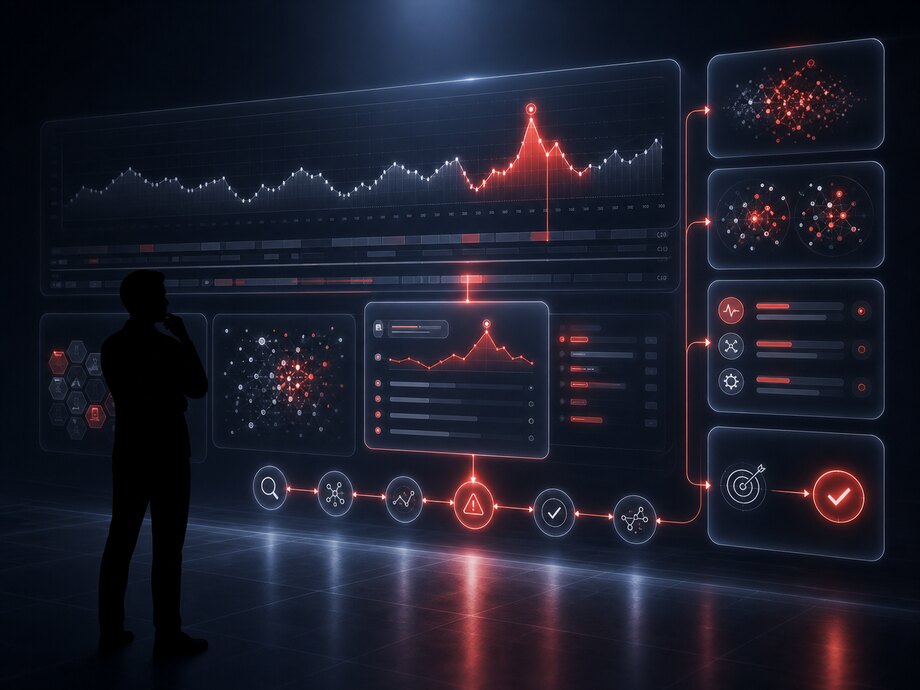
A model shows a correlation, not a cause. A rise in returns in a category may be explained by a defective batch, a change of supplier, an error in the product description or a new sales channel with a different audience — choosing the explanation and making the decision stay with a person.
That is why every finding in the interface comes with three things: which data it is built on, how large the deviation is, and which breakdowns the model checked. A conclusion that cannot be unfolded down to the source rows is not acted on.
Analytics stops being a monthly report read after the period closes. A deviation is found the same day, investigated while the trail is warm and costs less than when it is noticed in a quarterly view.
An anomaly is not any rare value but a deviation from an object's own norm. For one point of sale twenty receipts an hour is an ordinary day; for another it is a reason to check. The norm is calculated from each object's history and from a comparable group rather than from an overall average.
Data: the indicator's history for the object. Processing: the model builds an expected corridor allowing for day of week, season and promotions. Action: stepping outside the corridor creates an investigation task. Result: a slump in sales or a bookkeeping failure is visible on the day it happens.
Data: payments, discounts, returns, voids, manual edits to documents. Processing: a combination of attributes is assessed — amount, time, employee, frequency. Action: the operation goes into the control queue. Result: abuse and mistakes are dealt with before the period closes.
Data: telemetry from devices and terminals. Processing: a change in the character of events before a failure is looked for. Action: the device is added to the service route. Result: some failures are dealt with before downtime rather than after a complaint.
Data: postings, stock, stocktakes, transfers. Processing: flows that ought to agree are matched against each other. Action: a discrepancy is recorded with a responsible person. Result: shortages are traced to a specific place rather than to a lump sum at the end of the quarter.
Data: the history of orders, enquiries and payments. Processing: the model notices a break in the usual buying rhythm. Action: the customer lands on a list for the manager. Result: a customer leaving is visible before they have stopped buying for good.
Data: timestamps for the stages of an order, a request, a repair. Processing: stages with growing durations and their attributes are identified. Action: the stage is raised for review with figures. Result: lead times shorten where time is actually being lost.
| Object | What is wrong | Expected | Physical | State |
|---|---|---|---|---|
| Location no. 14 | Revenue below the corridor for a third day | 98–126 thousand | 61 thousand | investigation |
| Yuzhny warehouse | Share of manual stock adjustments | up to 1.5% | 6,2% | investigation |
| Terminal T-207 | Rising failures in the payment module | 0–2 per day | 17 | on the route |
| Household chemicals category | Returns above the category norm | up to 2.1% | 5,8% | waiting |
A screen from the system: the figures are illustrative. Every line unfolds down to the source operations — a deviation that cannot be traced to primary data never enters the queue.
Planning from last month is wrong in a predictable way: it knows nothing about the season, nothing about the promotion, and nothing about the item having been out of stock for two weeks, which is why there were no sales — not because there was no demand.
Data: the sales history by item and location, periods when the item was out of stock, prices and promotions, the calendar — weekends, holidays, the start of the school year — the weather where it affects demand, and data on deliveries and lead times.
AI processing: the model estimates future demand for every item-location pair and shows the spread separately: not a single number but a range with a probability. For stock planning the upper bound matters more; for revenue planning, the middle.
What is forecast:
Action: a forecast does not stay a memo — it feeds into the purchase requisition, the location replenishment plan, the shift roster and customer credit limits. Result: fewer lost sales from an empty shelf and less money frozen in excess stock.
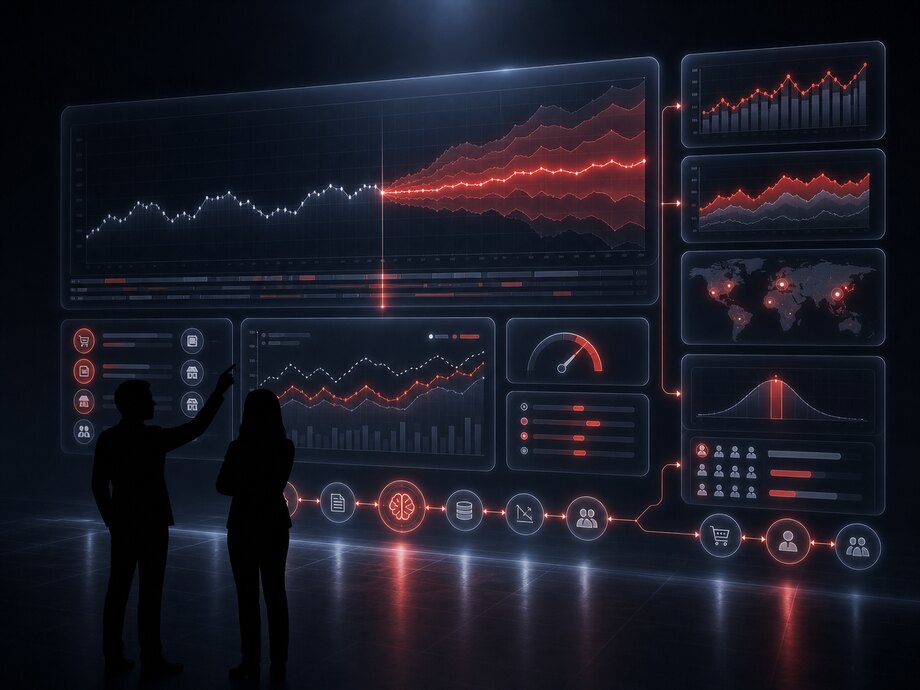
A model is not tested on the data it learned from: the history is split by time, training runs on the earlier segment and verification on the later one. This reproduces the real situation, in which the future is unknown.
Accuracy is measured continuously rather than once at launch: every forecast line is compared with the actuals when the period closes. A rising error is a signal that demand behavior has changed and the model is due for retraining.
A screen from the system: the figures are illustrative. Groups with a high error are not hidden but shown separately: for those the order is calculated by a person, working from the range rather than from a single number.
Routine means operations that repeat dozens of times a day, require attention and require no qualifications: copying data from an email into a card, assigning a payment to an expense item, appointing a performer, checking that a document is complete, setting a status.
AI processing is needed where the input is not formalized: the email is written in words, the document arrived in someone else's format, the request is worded differently by every customer. The model brings such an input into a structure, after which ordinary rules — predictable and verifiable — take over the process.
Operations that become automatic:
Action and result: the operation is carried out by the system and written to the log with an author, a time and the original value. The employee moves from data entry to handling exceptions — the cases where the model is unsure or where the cost of an error is high.
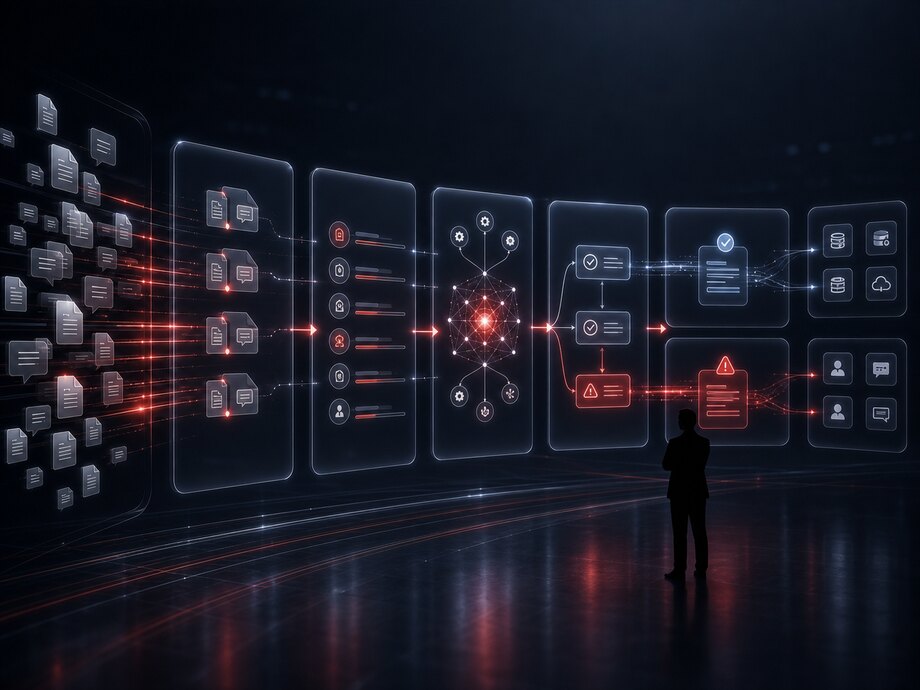
An automatic action is permitted where it can be undone or where a mistake is cheap: setting a status, assigning a performer, creating a draft. Irreversible operations — moving money, posting a document, dispatching goods — stay with a person or require confirmation.
The confidence threshold is set separately for every operation and changes as statistics accumulate. Companies usually start with a high threshold and a suggestion mode: the model proposes, a person confirms — and those confirmations show where it can be trusted.
Data: delivery notes, invoices, certificates, contracts, specifications, payment orders, applications, equipment datasheets, emails with attachments. The formats vary: pdf, a phone photograph, a scan, an export file, a paper original.
AI processing: text recognition, identifying the document type, extracting fields and table sections, matching line items to the catalog and linking the document to an order, a contract or a counterparty. For every field a value and a confidence figure are returned.
What is extracted:
Action: the document is matched against the order and the invoice, discrepancies are listed, and the document is either posted or sent for review to a specific employee. Result: entering documents stops being a job of its own, and discrepancies are found before payment rather than at month-end close.
Recognition never gives one hundred percent accuracy on any set of documents — and it should not. The point is something else: the system shows which fields it trusts and which it asks to have confirmed. The operator checks a few flagged fields instead of typing the whole document.
Poor source quality is no excuse for a silent error: a blurred photo, a cropped page, a missing second page of a specification are all flagged explicitly and returned to the sender with the reason stated.
Processing speed stops depending on the volume of the incoming flow, and accounting and procurement see the state of documents in one list rather than in individual employees' mailboxes.
A screen from the system: the figures are illustrative. The document is only offered for posting after both flags have been resolved — a new catalog item and a shortfall both require human confirmation.
Data: emails, requests from the website, messages in messengers, call transcripts, support chat correspondence, reviews and ratings. All of it free-form text that a person has had to read and sort until now.
AI processing: the enquiry is assigned to a topic and a subtopic, urgency and sentiment are determined, the order number, product name, address and other entities are extracted from the text, and the enquiry is linked to the customer's history. Repeat enquiries about the same matter are merged into one case.
Action: the request goes into the relevant group's queue with its fields already filled in, the response deadline is calculated from the urgency, a repeat enquiry is raised in priority, and the customer receives a confirmation with a number and an expected timeframe.
Result: enquiries stop sitting in a shared mailbox until morning, and the manager sees not lots of complaints but a structure: which topics the flow is growing in, where response time is rising and which products generate repeat enquiries.
A single enquiry tells you about a case; the whole flow tells you about the product and the process. Classification by topic over a period shows what exactly causes questions: unclear instructions, an error in a product description, a failure at a particular step of checkout, a delay at one delivery service.
That is why topics are not invented: first the enquiries are grouped by meaning automatically, then the resulting groups are edited by hand and fixed as reference data. From then on it lives alongside the product, and new groups are suggested by the system.
| Topic | Share | Change | First response |
|---|---|---|---|
| Delivery status and timing | 31% | −4% | 6 min |
| Payment and refunds | 22% | +9% | 18 min |
| Product availability and specifications | 19% | −1% | 4 min |
| Customer account issues | 15% | +6% | 27 min |
| Quality complaints | 13% | 0% | 41 min |
A screen from the system: the figures are illustrative. The two growing topics — payment and the customer account — go not into a report but into the product team's backlog, with example enquiries attached.
A recommendation is useful where the choice is wide and attention is short: a catalog of tens of thousands of items, a location's assortment, a set of services, a shortlist for a manager before a call. The data behind it is order history, views, basket contents, returns and stock; the result must always include availability, otherwise the system recommends what does not exist.
Processing: stable combinations of items are identified from the order history. Action: the selection is shown on the product page and in the basket. Result: the number of lines per receipt grows without pressuring the buyer.
Processing: the model estimates the probability of interest in an item from the customer's history and from similar customers. Action: the offer goes to their account, to a mailing or to a manager. Result: the response rate is higher than for a blanket mailing, and the frequency of contact is lower.
Processing: the query is parsed by meaning rather than by matching letters: synonyms, typos and specifications are taken into account. Action: the results are reordered. Result: fewer queries with no results and fewer people leaving the catalog.
Processing: sales at comparable locations and their surroundings are compared. Action: an item is proposed for withdrawal from the assortment or for addition. Result: the shelf is occupied by what actually sells here.
Processing: before contact, the customer's history, open questions and suitable items are gathered. Action: the shortlist appears on the CRM card. Result: preparing for a call takes a minute rather than ten.
Processing: the expected date of a repeat purchase of a consumable is estimated. Action: a reminder goes out by that date. Result: fewer missed repeat orders and fewer pointless touches.
Personalization is bounded by explicit rules: what must not be recommended, which data is not used, how often a customer may be contacted and how they turn the selection off. The limits are set in the system rather than left as a verbal understanding.
Computer vision is justified in a narrow class of tasks: the scene repeats, the object is distinguishable, and the result turns straight into an accounting event. Where those three conditions are not met, a camera gives you a video archive and false positives rather than automation.
Where it works:
Action: a recognized event goes not into an archive but into the records — into a receipt, a task, a goods receipt certificate, a violations log. Result: the manual recording of what the camera can already see disappears.
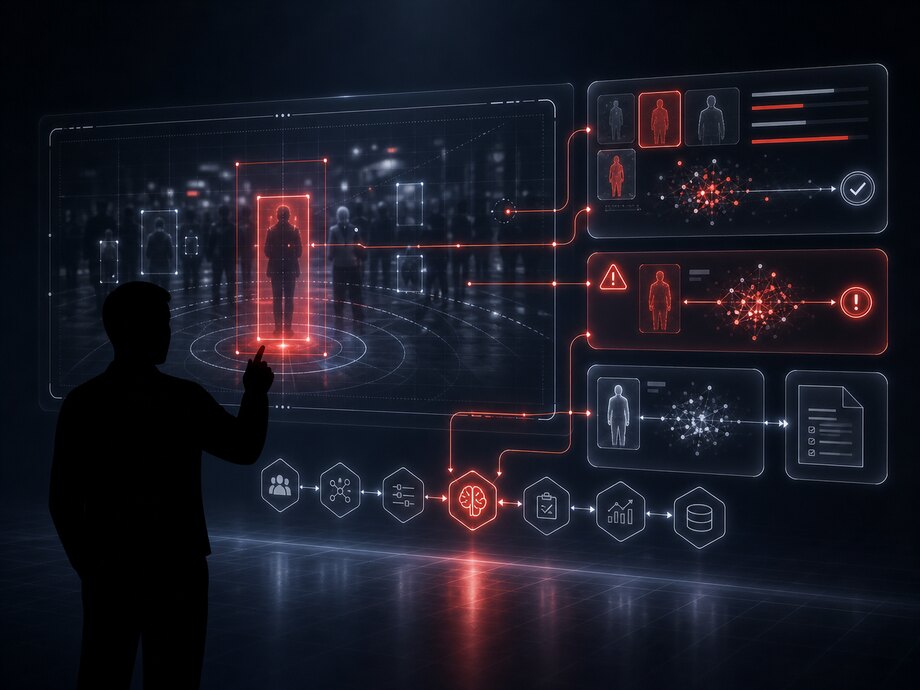
Tasks where the scene is different every time, the lighting is arbitrary and the cost of an error is high are not covered by cameras. Emotion recognition, assessing an employee's conscientiousness, identifying individuals in a general crowd — these are either unreliable or restricted by law, or both.
Where accuracy matters rather than the picture, other sensors work more cheaply and more reliably: weight, a barcode scanner, a tag, a lock with a log. A camera is added to them rather than replacing them.
An AI bot differs from a scripted chatbot in one respect: it does not walk the user down a tree of buttons but understands the question and performs an action in a system. The value here is not in the conversation but in which data and operations the bot is connected to — the catalog, orders, requests, CRM, the knowledge base. A bot with no access to systems can only paraphrase the manual.

Data: the catalog, prices, stock, delivery and payment terms, order statuses. Processing: the question is parsed by meaning and the answer is assembled from current data rather than from prepared text. Action: selecting an item, calculating delivery, placing or changing an order. Result: standard questions are handled around the clock while managers deal with the complex ones.
Data: the solutions base, enquiry history, the customer's configuration, system logs. Processing: the symptom is matched against known cases. Action: step-by-step instructions, a status check, creating a ticket with the data already gathered. Result: the first line closes repeat cases and the engineer receives a ticket with the diagnostics done.
Data: policies, orders, instructions, reference data and reports available to the employee under their rights. Processing: search by meaning and an answer with a reference to the clause of the document. Action: raising a request to HR or procurement, requesting a certificate, seeking an approval. Result: questions to colleagues and in group chats are replaced by an answer with a source.
Data: the text of the enquiry, attachments, the customer's history. Processing: determining the request type, extracting fields, checking completeness. Action: the request is created in the system, missing data is requested, a performer is assigned. Result: the request reaches the performer complete, without back-and-forth to clarify things.
Data: customer cards, deals, tasks, contact history. Processing: parsing the manager's request and the outcome of the conversation. Action: create and update a card, record the outcome of a contact, set a task, assemble a summary on a customer before a call. Result: CRM is filled in as the work happens rather than in the evening from memory.
Data: contracts, specifications, policies, technical documentation, the correspondence archive. Processing: search by meaning instead of word matching; the answer is built from the fragments found. Action: an answer with a quotation and a reference to the document, the page and the revision. Result: answering a question about a contract takes seconds and can be verified against the source.
A bot is not one model but several connected parts. The separation matters in practice: each part has its own failure mode, its own metrics and its own way of being fixed.
The connection channels — the website and the customer account, messengers, email, a phone line with speech recognition, the internal portal and employee workplaces. The logic is the same throughout: the channel changes the form of input, not what the bot is allowed to do.
The bot does not remember your documents — it searches them at the moment of the question and answers from what it finds. That is why an updated policy takes effect as soon as it is uploaded rather than after the model is retrained, and that is why every answer has a source.
Step 2 is mandatory: the bot answers within the rights of whoever asked. A document the employee cannot access in the system enters neither the search nor the quotation — otherwise the bot becomes a way around the access system.
The first thing assembled is a set of real questions — from correspondence, enquiries and internal chats. The bot is tested against it before launch: answers are checked against the sources and errors are examined by cause. Only then is the bot opened to users, usually to one group first.
The main risk with an AI bot is a confident wrong answer. It is removed not by promises but by how the system is built: a limited set of operations, mandatory grounding in sources, confidence thresholds and explicit escalation rules.
The bot does only what is described in its set of actions, and within the rights of whoever asked. Everything else is unavailable, however insistently the user asks.
The answer is assembled from the documents found and the data from the systems. If there is no source, the bot says it does not know and passes the question on — that is normal behavior, not a failure.
Below the threshold the answer is not sent to the customer: it goes to an operator as a draft together with the materials found. Every topic has its own threshold.
Escalation by rules: a restricted topic, a repeated question, a negative reaction, the customer's demand. The operator receives the whole conversation and the materials found rather than starting from scratch.
An irreversible action — cancelling an order, changing bank details, writing something off — is carried out only after explicit confirmation and is written to the log with the initiator.
The share of conversations closed without a human, the share of escalations, user ratings and spot checks of answers. Errors go back into the set of test questions.
What the bot says about itself is recorded separately: the user must understand they are talking to software and know how to call a person. This is a requirement for the interface, not a matter of settings.
An internal assistant differs from a customer bot in its source data: it works with corporate information and within the rights of a specific employee. The same question from a warehouse worker and from a finance director gives different answers — because different documents are available to them.
What an assistant does at a workplace:
Result: the employee spends time on the work rather than on finding the right document, recalling a policy and filling in forms. The assistant does not make decisions for the person — it removes the preparatory part.
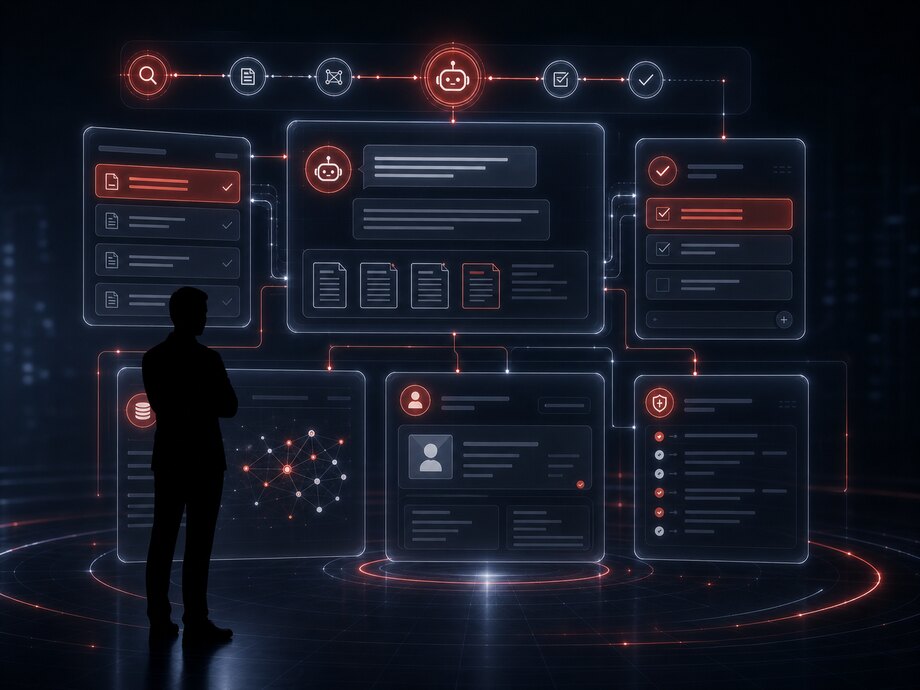
The assistant connects to the same roles as the accounting systems: it does not create a parallel access path. Documents outside an employee's rights enter neither the search nor the quotations nor the suggestions — and this is checked before the answer is composed, not after.
The assistant's actions go into the system's general log alongside people's actions. On a card it is visible that the task was created by the assistant following a conversation, rather than a record appearing with no author.
Corporate knowledge is rarely in one place: policies in one folder, contracts in a second, technical documentation in a third, and half the answers in correspondence. Searching by file name does not work here, because a person is not looking for a document but for an answer.
Data: policies and orders, contracts and annexes, technical and project documentation, instructions, the base of resolved enquiries, minutes, reference data, the correspondence archive — each with an owner and an access level.
AI processing: documents are broken into fragments and every fragment is indexed by meaning; the question is matched against fragments rather than against titles. The answer is assembled from what was found and comes with a quotation and a reference to the document, the page and the revision.
Action and result: an employee gets an answer with a source in seconds instead of going round their colleagues; borderline cases are checked against the quotation; outdated documents are visible immediately — if the answer came from a revision two years old, that is stated in the answer itself.
It does not replace the document management system and does not become the source of truth: a legally binding document stays where it was signed and is stored. The index is a way of finding and quoting it, not a separate copy living a life of its own.
A request arrives in free form and through any channel: an email, a message, a form on the website, a phone call, an attached file. Before adoption a person reads it, transfers the data into the system, determines the type and assigns a performer — which takes anything from a few minutes to a few hours of waiting in a queue.
AI processing: the request type is determined, fields are extracted — object, address, deadline, contact, contract number — completeness is checked, urgency is assessed, and the request is linked to the customer and their history. Anything missing is requested automatically in the same channel.
Action: the request is created in the system with its fields filled in, a group or performer is assigned by the rules, a deadline is set and a confirmation with a number is sent. Duplicates about the same matter are linked rather than spawning a second request.
Result: the performer receives a complete request and starts with the work rather than with clarifications. The time from arrival to assignment stops depending on who opened the shared mailbox and when.
A screen from the system: the data is illustrative. Requests whose type was determined with a confidence below the threshold reach the dispatcher with pre-filled fields and a suggested type — the assignment stays with a person.
Data
Analytics and forecasting
Automating
Bots and assistants
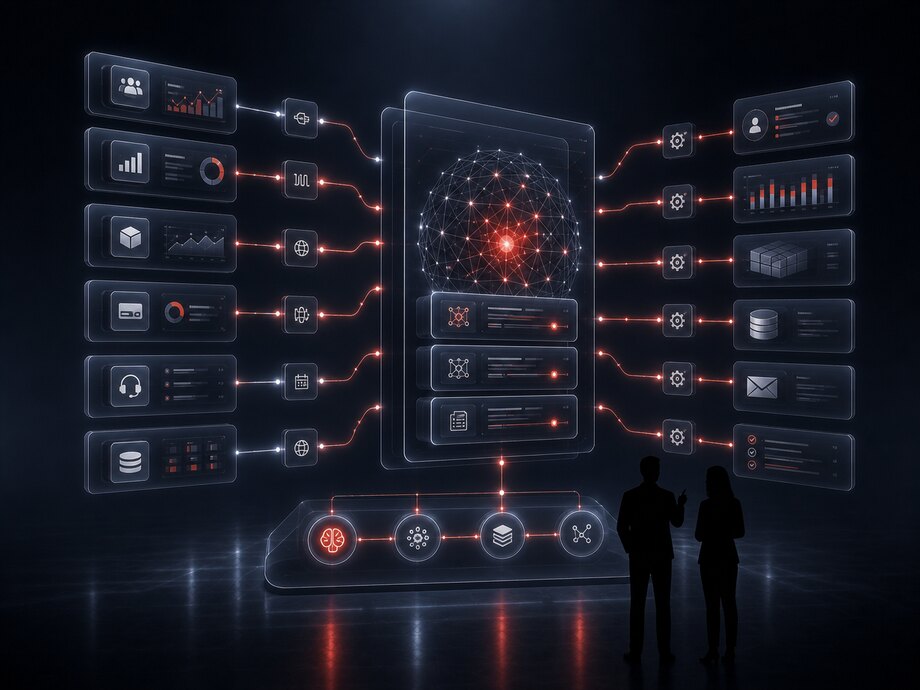
A model is only useful when its decision reaches the system where the work is done. That is why integration is not the final stage of a project but its precondition: first it is known where the result will land, then the model is trained.
What the AI layer connects to:
The connection method is chosen to suit the system rather than out of habit: a direct API, exchange through a queue, webhooks on events, scheduled file exports, reading a database replica. For systems with no open interface, whatever exchange method they do have is used, including files.
| Time | Operation | Result |
|---|---|---|
| 11:02 | Enquiry classification → CRM | 148 |
| 11:05 | Demand forecast → purchase requisition | 1 204 |
| 11:07 | Delivery note parsing → accounting system | 6 pending review |
| 11:09 | The warehouse service is unavailable | retry in 5 min |
A screen from the system: the figures are illustrative. The warehouse being unavailable does not stop the other exchanges — messages wait in the queue and go out once the connection is restored.
Adopting AI means working with the company's data, so the question of where the model runs and what leaves the perimeter is settled before the project starts, not after go-live.
The environment is chosen by the sensitivity of the data: your own infrastructure, a dedicated server or an external service. For some tasks open models on your own hardware cover the need completely.
If an external model is used, the set of fields transmitted is described explicitly. Personal data and commercial terms are anonymized or replaced with identifiers before sending.
The AI layer works within the user's rights and does not create a back door to the data. The access check runs before the search and before the answer is composed.
The request, the sources found, the model's decision and the action taken are all written to the log. Without this it is impossible either to investigate a disputed case or to demonstrate that the system worked correctly.
Decisions with legal or financial consequences stay with a person. The model prepares the material and proposes an option, and the confirmation is recorded with its author.
The retention periods for conversations, training sets and intermediate data are set in advance. Deletion on request extends to the search indexes too, not only to the source database.
A model always gets things wrong — the question is how often, where exactly and what it costs. That is why every adoption has two sets of figures: the quality of the model itself and the change in the process. The first interests the engineer, the second the business, and they do not coincide automatically.
The confidence threshold is a control knob, not a constant. Raise it and the company gets less automation and fewer errors; lower it and the opposite. The value is chosen by the cost of an error in the specific process.
A screen from the system: the figures are illustrative. The three indicators only read together: more automation alongside a rising share of corrections means the threshold was lowered too far.
A model is not a one-off delivery. Data changes: new products, new enquiry topics, new document formats, new suppliers appear. That is why the project builds in regular quality checks on fresh data, retraining on a schedule or on a threshold being crossed, and review of the cases where a person corrected the decision.
Operators' corrections are the most valuable training material: they are gathered into a separate set and used in the next round of training. This way the system improves on its own work rather than on somebody else's data.
The order reflects the dependencies: every step builds on what appeared in the previous one. Skipping the first step is the most common reason an AI project ends in a demonstration.
Which operation is being automated, who performs it today, what data exists and in what condition, where the result will land. The output is a baseline in figures and a criterion for success.
Connecting the sources, cleansing and labelling, a data mart for the task. This is also where it becomes clear whether there is enough history for a model or whether data has to be accumulated first.
Training and verification on a held-out period, comparison against the baseline, launch in suggestion mode on part of the flow. The confidence threshold is tuned on operators' real decisions.
Integration with the systems, rights and logs, monitoring of quality and drift, retraining on a schedule, support. Extension to adjacent processes comes as separate stages with measurement.
Describe the process you want to automate and what data is already collected about it. We will tell you what can be solved here with rules and integration and where a model is genuinely needed.